 how-to
How Do You Keep a Table Tennis Robot Running Smoothly?
Last Updated: October 26, 2026
Quick Summary
To keep a table tennis robot running smoothly, unplug it, empty the hopper and catch net, and wipe the shell with a dry microfiber cloth. Clean the friction wheels with mild soapy water and dry them immediately, clear debris from the feed tube, and wipe the sensor window dry only. Reassemble, then run a short test feed at low speed.
- Remove crushed or cracked balls, the most common cause of a mid-drill jam.
- Clean both friction wheels evenly to prevent inconsistent spin.
- Recalibrate the sensor before touching mechanical parts when shots drift.
- Cover the robot with a fitted cover, not a lint-shedding towel.
- Store balls in a sealed bin to stop them drying out and cracking.
Table of Contents
- Why Table Tennis Robot Maintenance Matters More Than You Think
- Table Tennis Robot Cleaning: Step-by-Step
- Drying, Reassembly, and Sensor Calibration
- Table Tennis Robot Troubleshooting: Fixing Common Feed and Spin Problems
- Building a Table Tennis Robot Maintenance Schedule
- Table Tennis Robot Storage: Protecting Your Machine Between Sessions
- Keep Your Robot and Your Court Ready for the Next Session
- Frequently Asked Questions
Why Table Tennis Robot Maintenance Matters More Than You Think
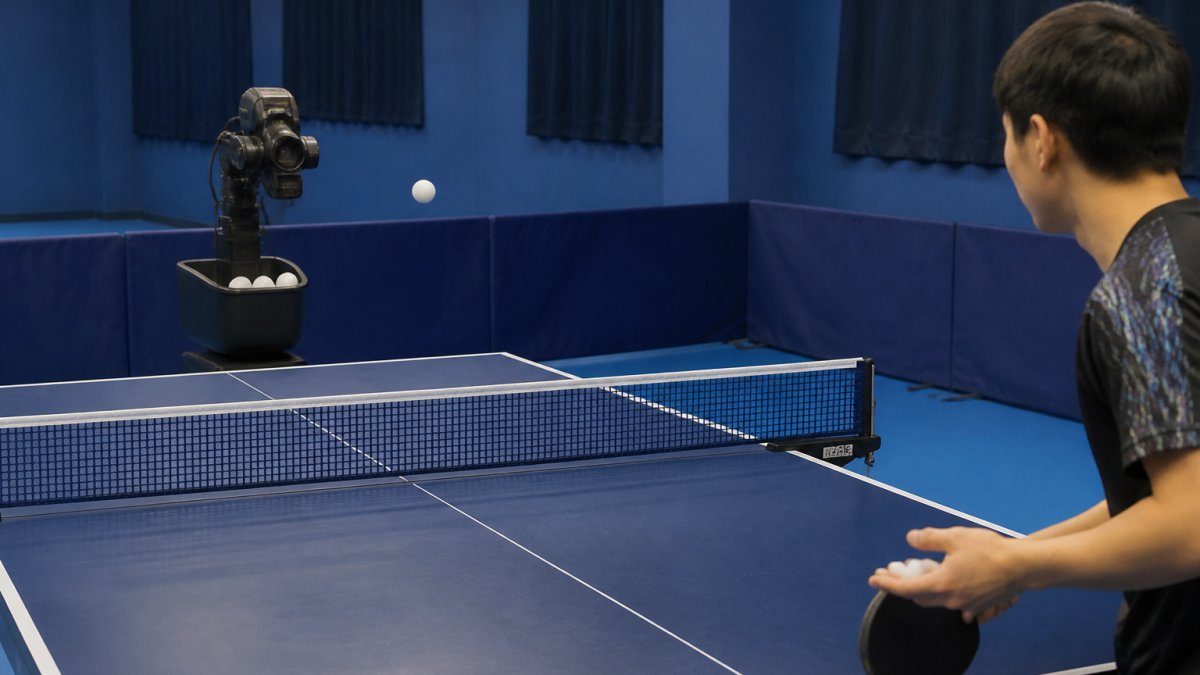
A table tennis robot is a motorized training partner that fires balls at set speeds, spins, and placements. It saves you from chasing balls and lets you repeat one drill hundreds of times. But it also has friction wheels, sensors, and a ball feed mechanism that wear down with every session.
Skip the upkeep and you get the classic warning signs: balls jamming, inconsistent spin, and shots that fly long.
Below is a step-by-step guide to maintaining table tennis robots. For the broader picture, see our table tennis equipment maintenance guide.
Table Tennis Robot Cleaning: Step-by-Step
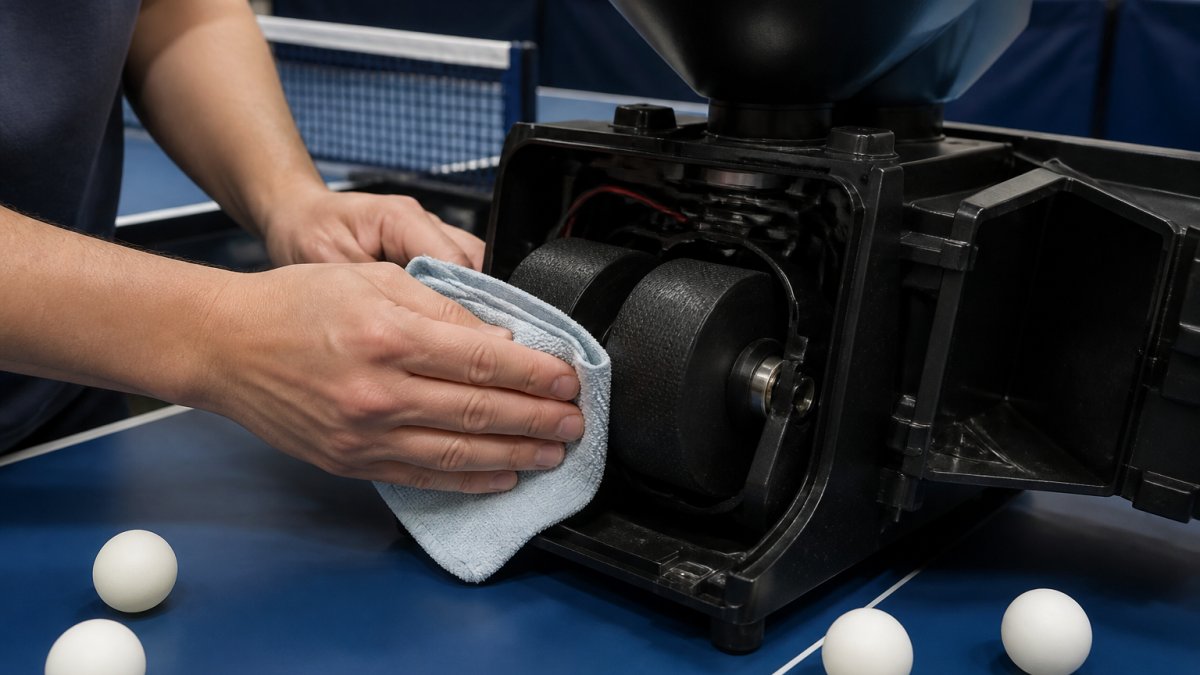
Here is the order that works:
- Unplug the robot and empty the hopper and catch net completely.
- Wipe the outer shell with a dry microfiber cloth, no solvent, no abrasive pad.
- Open the ball feed mechanism and clear loose dust and rubber crumbs from the feed tube.
- Clean the friction wheels with a soft sponge and mild soapy water, then dry immediately.
- Wipe the sensor window with a dry microfiber cloth only, no liquid.
- Dry every surface fully, reassemble, and run a short test feed at low speed.
Cleaning the Friction Wheels and Ball Feed Mechanism
Next, the ball feed mechanism. Remove crushed or cracked balls, a single cracked ball is the most common cause of a mid-drill jam. Clear dust from the feed tube with a dry brush or a cloth wrapped around a soft stick. Check the hopper lip for sharp edges or debris that can nick balls on the way in. Skipping this step is why balls misfeed mid-drill. Good drill management tips also help you spot feed problems early.
Cleaning the Blade, Net, and Ball Collection System
The ball collection system deserves the same attention. Empty the catch net or tray after every session so residue buildup does not harden. Wipe the collection tray with a dry cloth, moisture left in the tray transfers to balls and then into the feed tube. For a deeper look at the collection side, our ball collection guide covers setup and care in detail.
Drying, Reassembly, and Sensor Calibration
If shots drift left or right, recalibrate before you touch any mechanical part. Nine times out of ten, the sensor needs a reset, not a repair.
Table Tennis Robot Troubleshooting: Fixing Common Feed and Spin Problems
| Problem | Likely Cause | Fix |
|---|---|---|
| Balls jam in the feed | Crushed balls or debris in tube | Clear the tube, remove bad balls |
| Weak or slow shots | Worn or dirty friction wheels | Clean wheels, check for wear |
| Inconsistent spin | Buildup on one wheel | Clean both wheels evenly |
| Shots drift off target | Sensor out of calibration | Run calibration mode |
| Motor runs rough | Dust in housing, dry parts | Clean housing, check lubrication |
Building a Table Tennis Robot Maintenance Schedule
Clubs can model their routine on broader club equipment maintenance tips that cover shared gear. Write the schedule down and post it near the table. Preventative care only works when someone actually does it.
Table Tennis Robot Storage: Protecting Your Machine Between Sessions
Follow these storage rules:
- Cover the robot with a protective cover to block dust, a fitted cover, not a loose towel that sheds lint into the feed tube.
- Store it in a dry space, away from damp basements and garages where humidity swings.
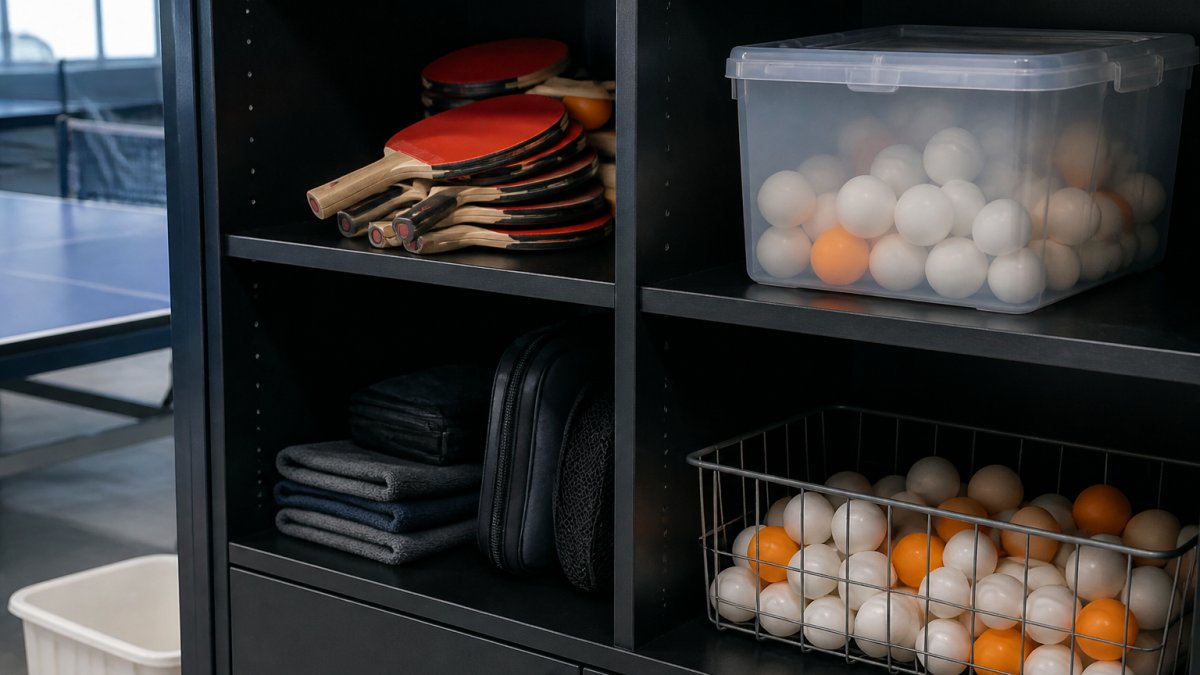
- Keep balls in a sealed bin to limit dust accumulation and prevent them from drying out and cracking.
- Break down portable gear so it fits in tight storage, and never stack heavy items on the housing.
- Keep the robot off the floor and away from direct sunlight, which degrades rubber and plastic over time.
Off-Season and Long-Term Storage Protocol
For a full breakdown of storage techniques, read our guide on preventing equipment damage during storage. Proper storage conditions slow surface oxidation on rubber parts and keep the machine ready to fire.
Keep Your Robot and Your Court Ready for the Next Session
Maintenance handles the machine. But every robot session leaves a court covered in balls, and chasing them is the part nobody enjoys.
MyPingPongBuddy offers a handmade ball collector designed to make ball cleanup easier. It breaks down in half for easy transport and is backed by a 90-day full refund return policy.
It has been used by clubs and SPIN in NY, Milwaukee and LA.
Buy it now.
Frequently Asked Questions
How often should you clean a table tennis robot?
Wipe the friction wheels and ball feed mechanism after every training session, since dust and rubber residue build up fast and change ball trajectory. Do a deeper clean with a soft sponge and mild soapy water once a week if you practice daily. Clubs running hundreds of balls a day should inspect components weekly and check the top sheet for oxidation. A consistent cleaning frequency is the single biggest factor in keeping spin consistency and preventing performance degradation.
Can you use water to clean a table tennis robot?
You can use mild soapy water on a damp cloth for the rubber surfaces and housing, but never spray or pour water directly onto the machine. Wring the cloth out so it is damp, not dripping, and keep liquid away from the motor, sensor, and control board. Dry everything immediately with a microfiber cloth. For dust accumulation in tight spots, a dry soft brush or compressed air is safer than a wet approach.
How do you prevent table tennis balls from jamming in a robot?
Jams usually come from debris, damaged balls, or a dirty ball feed mechanism. Remove dust and debris from the feed channel, discard cracked or dented balls, and avoid overfilling the hopper beyond its marked capacity. Static electricity can also make balls stick together, so wipe the hopper with a slightly damp cloth. If jams persist, check the friction wheels for residue buildup and clean them before your next session.
What should you check when a table tennis robot stops feeding balls?
Work through the basics first: confirm the power connection, check that the hopper has balls and no jam, and inspect the ball feed mechanism for debris. Then look at sensor calibration and the friction wheels, since worn or dirty wheels stop gripping balls properly. If the motor runs but nothing feeds, the issue is usually mechanical rather than electronic. Regular preventative care and component inspection catch most of these problems before a session is ruined.